Start here
Three steps, and all you need is a terminal.
1. Install karyon
cargo comes with Rust. If you do not have it, the one command at
rustup.rs installs it.
2. Get the example files
Reads, variant calls, genes and the files of every other page, about 40 kilobytes in all:
3. Draw them
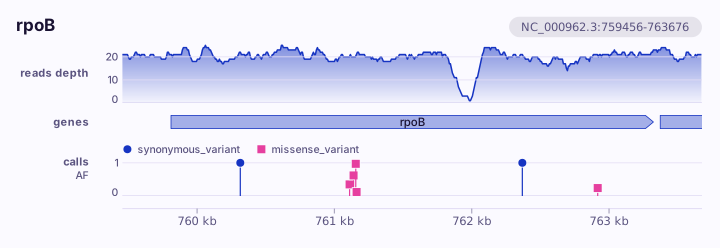
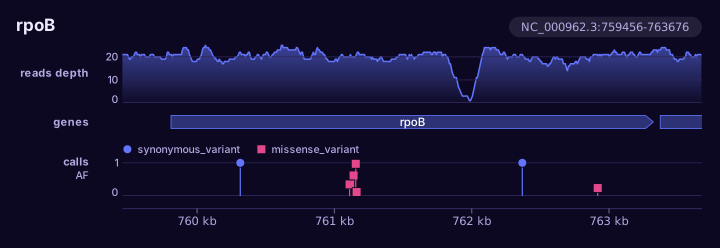
Open rpoB.svg in a web browser. Point at a call or a gene, and the browser
says what it is and where.
How to read a command
- The place comes first: a gene, a sequence, or a region such as
NC_000962.3:761,000-763,000. - Then your files. Each one is a row, top to bottom in the order you write them.
- Then
-oand the file to write.
Options for one row go right after its file: reads.bam --height 100.
Next
What do you have? has a page for each kind of data, with the command and the figure it draws.